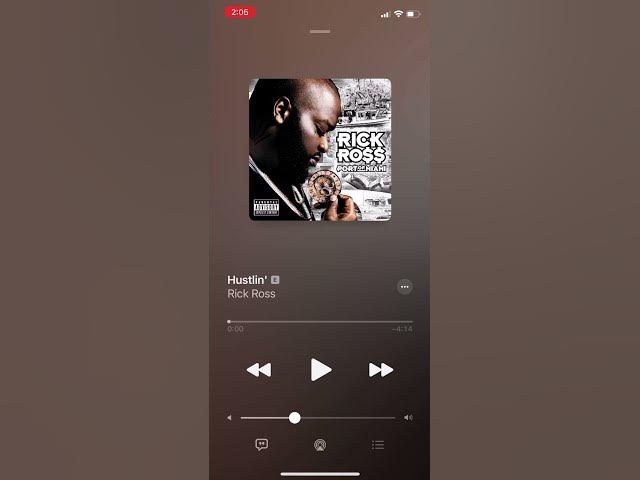

Turn on AutoPlay in Apple Music #lifehack #shorts
Dec 11, 2020

"Autoplay" allows you to continue playing music after an album or playlist has ended. The feature intelligently analyzes what music you were just listening to and plays songs that fit that category. You might recognize some tracks, and you might not know others, but they should all jive well with your previous listening history.
To activate Autoplay, tap the Queue button in the bottom right (which looks like a list). Now, tap the Autoplay button (which uses the infinity symbol) next to the Shuffle and Repeat buttons. Apple Music will then auto-fill your upcoming "Playing Next" queue after your album or playlist ends.
Show More Show Less